Plantronics Headset Manual: A Comprehensive Guide
This manual provides detailed instructions for setting up, using, and troubleshooting Plantronics (Poly) headsets,
covering models like the CS540 and Voyager series for optimal performance.
Plantronics, now Poly, has a rich history of innovation in headset technology, beginning with the CT10 cordless headset. For decades, the CS series has been a bestseller, renowned for its reliability and hands-free performance. Today, Poly offers a diverse range of headsets, including advanced Bluetooth models like the Voyager Focus UC B825 and the Voyager 4320 UC, designed for unified communications.
These headsets seamlessly integrate with platforms like Zoom and Teams, offering features like ZoomSwitch for effortless call control. Poly prioritizes comfort, clarity, and connectivity, empowering users with superior audio experiences.
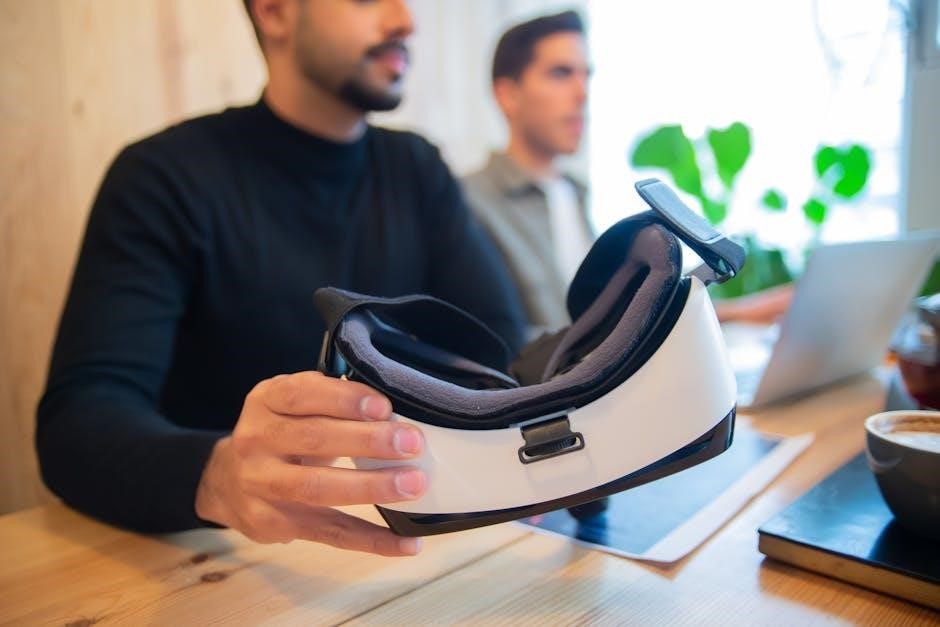
Understanding Plantronics Headset Models
Poly’s headset lineup caters to diverse needs. The CS540 stands out as a lightweight DECT headset, ideal for office environments, offering reliable hands-free operation and extended range. For advanced users, the Voyager Focus UC B825 provides premium Bluetooth connectivity and active noise cancellation (ANC).
The Voyager 4320 UC delivers wireless communication with a long talk time and roaming range. Understanding these models – and their specific features – is crucial for selecting the right headset for your requirements.
Popular Office Headsets: CS540
The Plantronics CS540 is a widely-adopted office headset, celebrated for its lightweight design and dependable performance. It boasts an extended range, allowing for greater freedom of movement within the workspace. One-touch controls simplify call management, while energy-efficient power administration ensures prolonged use.
Its plug-and-talk setup facilitates easy installation, making it a user-friendly choice for busy professionals. The CS540 remains a bestseller, consistently delivering hands-free efficiency.
Advanced Bluetooth Headsets: Voyager Focus UC B825
The Plantronics Voyager Focus UC B825 is a premium Bluetooth headset designed for focused work and clear communication. It offers up to 12 hours of talk time (10 with ANC enabled) and 15 hours of listening time, alongside a 98-foot roaming range.
Featuring active noise cancellation (ANC), it minimizes distractions. Compatible with PC, Mac, and mobile devices, it seamlessly integrates with platforms like Teams and Zoom, enhancing productivity.
Wireless Communication: Voyager 4320 UC
The Poly Voyager 4320 UC delivers a professional wireless experience, connecting to PCs, Macs, and mobile devices via USB-A or Bluetooth. This headset is designed for unified communications, ensuring seamless transitions between calls and audio.
It’s compatible with platforms like Teams and Zoom, offering reliable connectivity and clear audio. A dedicated charge stand is available, simplifying power management for consistent performance throughout the workday.
Setting Up Your Plantronics Headset
Initial setup is straightforward, often involving a simple plug-and-play connection for wired models or Bluetooth pairing for wireless options. Ensure the base station is properly connected to power and your desk phone, if applicable.
For PC/Mac connectivity, utilize the provided USB-A adapter or Bluetooth. Download any necessary software for advanced features and optimal performance. Following these steps guarantees a seamless integration of your Plantronics headset into your workflow.
Initial Setup and Base Station Connection
Begin by unpacking all components and connecting the base station to a power outlet. For desk phone integration, use the provided cable to connect the base station to your phone’s headset port.
Ensure a stable power supply for optimal performance. The CS540, for example, boasts a streamlined setup. Wireless models require initial pairing with the base station before connecting to other devices, following the quick start guide included.
Connecting to Desk Phones (Wired & Wireless)
For wired connections, simply plug the headset cable directly into your desk phone’s headset port. Wireless headsets, like the Voyager Focus UC B825, require pairing with a compatible base station connected to the phone.
Ensure the base station is correctly configured for your phone system. HeadsetExperts.com highlights the ability to connect to any desk phone. Verify compatibility with your specific model for seamless call handling and audio clarity.
Connecting to PC/Mac via USB-A & Bluetooth
To connect via USB-A, plug the headset directly into your computer’s USB port. For Bluetooth pairing, enable Bluetooth on your PC/Mac and put the headset into pairing mode – consult your model’s specific instructions.
The Voyager Focus UC B825 offers both options. Amazon.com notes compatibility with PC and Mac. Utilize Poly’s software for optimal settings and ZoomSwitch functionality, allowing seamless transitions between devices.
Using Your Plantronics Headset
Plantronics headsets offer intuitive call control. Answer or end calls with dedicated buttons, and utilize the mute function for privacy. Volume adjustment is typically managed via controls on the headset itself.
Many models, like the Voyager series, boast compatibility with popular platforms such as Zoom and Teams. HeadsetExperts.com highlights the ZoomSwitch feature for effortless audio switching between devices. Enjoy hands-free performance with models like the CS540.
Call Control Features: Answer, End, Mute
Plantronics headsets simplify call management. Typically, a dedicated button answers and ends calls, providing quick control during conversations. The mute function, easily accessible on most models, ensures privacy when needed.
The CS540, noted by HeadsetPlus.com, features one-touch controls for streamlined operation. Understanding these features enhances usability. Proper use of these controls allows for seamless transitions and focused communication, maximizing productivity.
Volume Adjustment and Microphone Control
Adjusting volume is straightforward, often utilizing dedicated buttons on the ear cup. Precise control ensures clear audio, whether on calls or listening to media. Microphone control, including mute functionality, is crucial for privacy and call quality.
The Voyager Focus UC B825, as highlighted on Amazon.com, delivers exceptional audio. Mastering these controls optimizes the user experience, allowing for clear communication and comfortable listening throughout the workday.
Zoom and Teams Compatibility
Plantronics headsets are designed for seamless integration with leading unified communications platforms like Zoom and Microsoft Teams. Many models, including the Voyager Focus UC B825, are certified for optimal performance within these environments.
HeadsetExperts.com emphasizes the “ZoomSwitch” functionality, enabling effortless switching between desk phone and PC/Mac audio. This ensures a fluid workflow, maximizing productivity during virtual meetings and calls.
Troubleshooting Common Issues
Encountering problems with your Plantronics headset? This section addresses frequent concerns. Audio issues, such as no sound or distortion, can often be resolved by checking volume levels and connections. Connectivity problems, particularly Bluetooth pairing failures, may require resetting the headset or your device.
If the microphone isn’t working, verify its positioning and ensure it’s selected as the default input. Refer to the Plantronics support website for detailed guidance.
Audio Problems: No Sound or Distorted Sound
Experiencing audio issues? First, confirm the headset volume is appropriately adjusted, both on the device itself and within your computer or phone settings. Check the connection – ensure cables are securely plugged in, or Bluetooth is properly paired. Distorted sound could indicate a driver issue; update your audio drivers.
Test with another application to isolate the problem. If issues persist, consult the Plantronics support resources for model-specific troubleshooting.
Connectivity Issues: Bluetooth Pairing Problems
Trouble pairing your Plantronics headset via Bluetooth? Ensure Bluetooth is enabled on both the headset and your device. Place the headset in pairing mode – consult your model’s specific instructions. Remove any previously paired devices from your device’s Bluetooth list to avoid conflicts.
Restart both the headset and your device. If problems continue, check for firmware updates for your headset via the Plantronics support website.
Microphone Not Working
Experiencing microphone issues with your Plantronics headset? First, verify the microphone isn’t muted – check the controls on the headset itself. Ensure the correct microphone is selected as the input device in your computer’s sound settings. Confirm the headset is properly connected, whether via USB or Bluetooth.
Test the microphone in a different application. If still failing, restart your computer and the headset.
Plantronics Headset Features & Specifications
Plantronics headsets boast a range of features enhancing communication. Voyager series models offer impressive talk time – up to 12 hours with ANC enabled – and a roaming range of 98 feet (30 meters). Active Noise Cancellation (ANC) technology minimizes background distractions for clear calls.
Key specs include lightweight designs like the CS540, and seamless integration with platforms like Zoom and Teams. Poly headsets prioritize comfort and reliable performance.
Talk Time and Roaming Range (Voyager Series)
The Voyager series excels in extended use capabilities. Expect up to 12 hours of talk time, even with Active Noise Cancellation (ANC) engaged, and up to 15 hours of listening time. This allows for uninterrupted communication throughout the workday.

Furthermore, Voyager headsets provide a substantial roaming range of 98 feet (30 meters), offering freedom of movement during calls without signal disruption. These specifications ensure productivity.
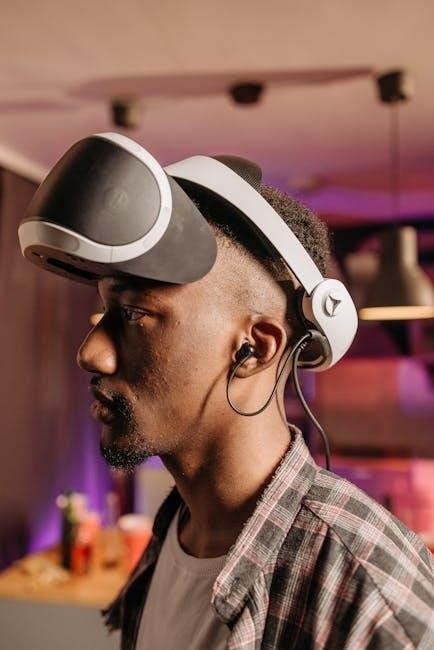
Active Noise Cancellation (ANC) Technology
Plantronics’ Active Noise Cancellation (ANC) significantly enhances call clarity. This technology actively reduces background noise, creating a focused listening experience for both the headset user and the call recipient.
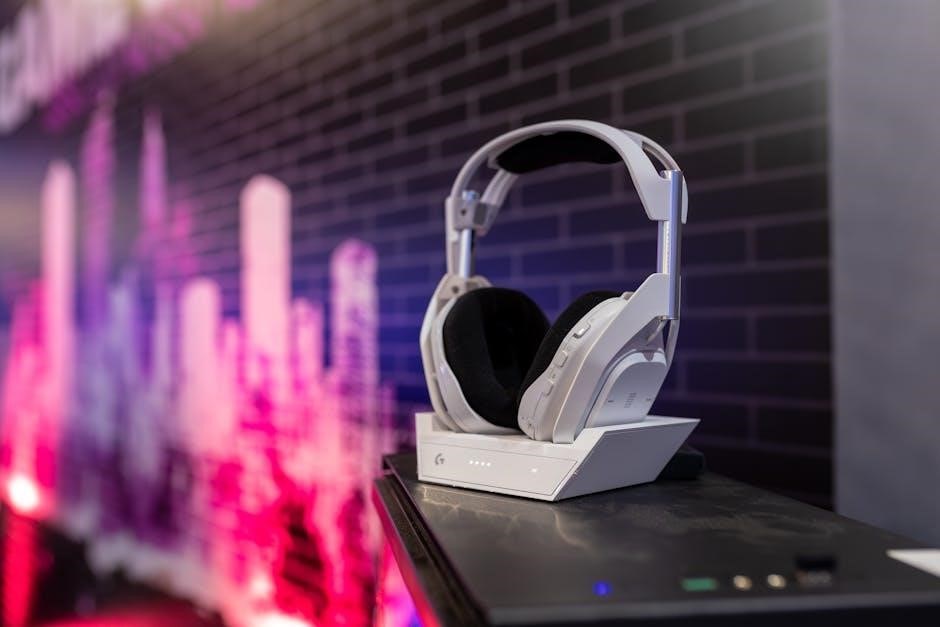
ANC is particularly beneficial in busy office environments or while traveling. The Voyager Focus UC B825 utilizes ANC, offering up to 10 hours of talk time when ANC is activated, balancing noise reduction with extended usability for professional communication.
Plantronics Headset History & Evolution

Plantronics pioneered headset technology with innovations like the CT10 Cordless Headset, offering early adopters hands-free convenience. This marked a significant shift in communication accessibility.
The subsequent CS Series established Plantronics as a leader, becoming a bestselling line for nearly a decade due to its reliability and performance. Continuous evolution has led to advanced features like Unified Communications compatibility and sophisticated noise cancellation, shaping modern headset standards.
The CT10 Cordless Headset: Early Innovations
The Plantronics CT10 represented a pivotal moment, introducing home users to the freedom of cordless, hands-free communication. This innovation liberated users from the constraints of traditional desk phones.
Prior to the CT10, headsets were largely tethered. This early model demonstrated Plantronics’ commitment to user convenience and mobility. It laid the groundwork for future wireless headset development, establishing a foundation for the company’s ongoing success in the evolving communications landscape.
CS Series: A Decade of Bestselling Performance
The Plantronics CS Series, particularly the CS540, has consistently dominated the office headset market for nearly ten years. Known for its reliability and hands-free efficiency, it remains a top choice for professionals.
The CS540’s lightweight DECT design, coupled with enhanced performance and a streamlined layout, contributes to its enduring popularity. Its extended range, one-touch controls, and easy plug-and-talk setup further solidify its position as an industry benchmark.
Maintaining Your Plantronics Headset
Regular maintenance ensures optimal performance and extends the lifespan of your Plantronics headset. Routine cleaning and disinfection are crucial, especially for shared devices; use approved wipes to maintain hygiene.
Effective battery management is also key. Avoid extreme temperatures and fully charge the headset before prolonged storage. Proper charging practices maximize battery life. Regularly check for firmware updates via the Plantronics support website to ensure compatibility and access to the latest features.
Cleaning and Disinfection Procedures
To maintain hygiene and optimal performance, regularly clean your Plantronics headset. Use isopropyl alcohol (70%) or disinfectant wipes specifically designed for electronics.
Gently wipe the ear cushions, headband, and microphone boom. Avoid abrasive cleaners or excessive moisture. For stubborn residue, lightly dampen a cloth with water and mild soap. Ensure the headset is completely dry before use. Disinfect frequently, especially if shared, to prevent the spread of germs and maintain a clean listening experience.
Battery Management and Charging
Optimize your Plantronics headset’s battery life with proper charging habits. Utilize the provided charging base or USB cable. Avoid overcharging, as it can degrade battery health.
For Voyager series headsets, a full charge provides up to 12-15 hours of talk time. Store the headset in a cool, dry place when not in use. Regularly cycle the battery by fully charging and discharging it to maintain its capacity. Monitor battery levels via the Plantronics Hub software.
Plantronics Headset Accessories
Enhance your Plantronics headset experience with available accessories. Essential items include charge stands for convenient charging and genuine Plantronics power adapters for reliable power.
Improve comfort and hygiene with replacement ear cushions, available in various materials. Extend microphone reach with optional microphone booms. Explore compatibility with desk phone adapters for seamless connectivity. Purchasing official accessories ensures optimal performance and maintains your headset’s warranty.
Charge Stands and Power Adapters
Maintain optimal power with Plantronics charge stands, designed for convenient headset storage and charging. These stands ensure your headset is always ready for use, eliminating downtime.
Utilize only Plantronics-approved power adapters to safeguard against damage and maintain warranty validity. Using incorrect adapters can compromise headset performance and lifespan. Explore options for both desk-based and wall-mounted charging solutions, catering to diverse workspace needs.
Replacement Ear Cushions and Microphone Booms
Enhance comfort and hygiene by regularly replacing ear cushions. Plantronics offers a variety of cushion materials – leatherette, foam, and gel – to suit individual preferences. Worn cushions can impact audio quality and comfort levels.
Damaged microphone booms can hinder clear communication. Easily replace booms to restore optimal microphone positioning and audio clarity. Genuine Plantronics replacements ensure compatibility and maintain headset performance, extending the lifespan of your investment.
Understanding Unified Communications Compatibility
Plantronics headsets seamlessly integrate with leading Unified Communications (UC) platforms like Zoom, Microsoft Teams, and others; This ensures a consistent and high-quality audio experience across all your communication channels.
Features like ZoomSwitch allow effortless switching between desk phone and PC calls with a single button press. Compatibility is crucial for streamlined workflows, enhancing productivity and collaboration. Verify specific model compatibility with your UC platform for optimal functionality.
ZoomSwitch Functionality
ZoomSwitch enables seamless transitions between calls on your desk phone and PC, simplifying communication workflows. Connect any Plantronics headset to your desk phone, then effortlessly switch to your computer’s voice/audio with a single button click.
This feature eliminates the need to manually disconnect and reconnect headsets, boosting productivity. ZoomSwitch is particularly useful for professionals handling both traditional and digital communications, providing a unified and efficient experience.
Plantronics Headset Pricing and Availability
Plantronics headset prices vary depending on the model and features. The Blue Voice Tube Tristar Encore SupraPlus is currently available for $5.81, while the CS540 typically retails around $74.95, often with discounts available.
The Voyager Focus UC B825 can be found on Amazon and other online retailers. Comparing prices across platforms like online retailers is recommended to secure the best deals and promotions. Availability fluctuates, so checking stock is crucial.
Comparing Prices: Online Retailers
Several online retailers offer Plantronics headsets, with price variations. Amazon.com lists the Voyager Focus UC, while HeadsetExperts.com provides options like the CS540 at $61.36 (originally $74.95) and the Blue Voice Tube for $5.81.
UnifiedCommunications.com also features a selection. Regularly checking multiple sites is vital to identify current deals and promotions, ensuring you receive the most competitive price for your desired Plantronics model.
Current Deals and Promotions
Finding the best deals on Plantronics headsets requires consistent monitoring of online retailers. HeadsetExperts.com currently offers the CS540 with savings of $13.59, priced at $61.36, and the Blue Voice Tube at a reduced price of $5.81.
Promotional periods and limited-time offers frequently appear, especially around holidays. Checking Amazon and UnifiedCommunications.com regularly can uncover additional discounts and bundled packages for significant savings.
Safety Information and Warranty Details
Plantronics headsets are designed with user safety in mind, but proper handling is crucial. Avoid exposing the headset to extreme temperatures or moisture. Discontinue use if damage occurs, as it may pose a risk.

Warranty coverage varies by model and region; refer to the official Plantronics support website for specific details. Generally, warranties cover defects in materials and workmanship. Unauthorized modifications void the warranty, so retain proof of purchase for claims.

Resources for Further Assistance
For comprehensive support, visit the official Plantronics (Poly) Support Website. It features extensive FAQs, troubleshooting guides, and downloadable resources for all headset models. Access detailed manuals and software updates to optimize your device’s performance.
Explore the Frequently Asked Questions (FAQ) section for quick answers to common issues. Contact Plantronics’ customer service directly for personalized assistance if needed. HeadsetPlus.com and HeadsetExperts.com also offer valuable information and support.
Plantronics Support Website
The official Plantronics (Poly) Support Website is a central hub for all user assistance needs. It provides access to a vast library of resources, including detailed product manuals for models like the Voyager Focus UC B825 and CS540. Users can find troubleshooting guides addressing common issues such as audio problems and connectivity concerns.
Download the latest software and firmware updates to ensure optimal headset performance. Explore the FAQ section for quick answers and contact customer support directly for personalized help.
Frequently Asked Questions (FAQ)
Here are some frequently asked questions regarding Plantronics (Poly) headsets. “How do I pair my Voyager Focus UC B825 with my PC?” – Utilize Bluetooth settings and follow the on-screen prompts. “My CS540 has no sound, what should I do?” – Check connections and volume levels. “Can I use my headset with Zoom?” – Yes, many models are Zoom-certified.
“How do I update my headset’s firmware?” – Visit the Plantronics Support Website. “What is ZoomSwitch functionality?” – Seamlessly switch between devices.
